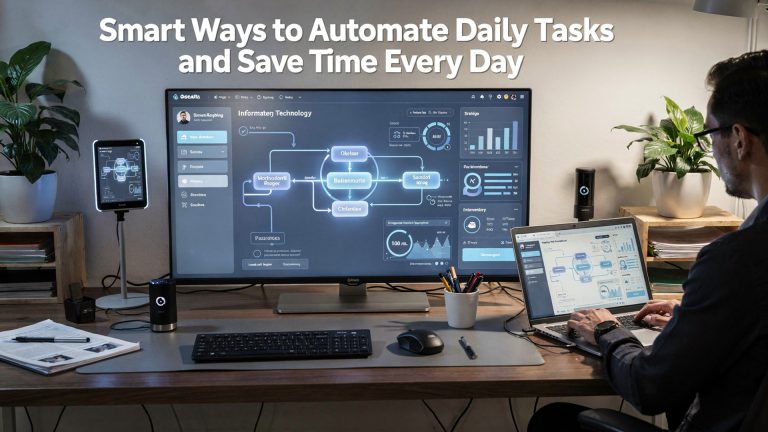
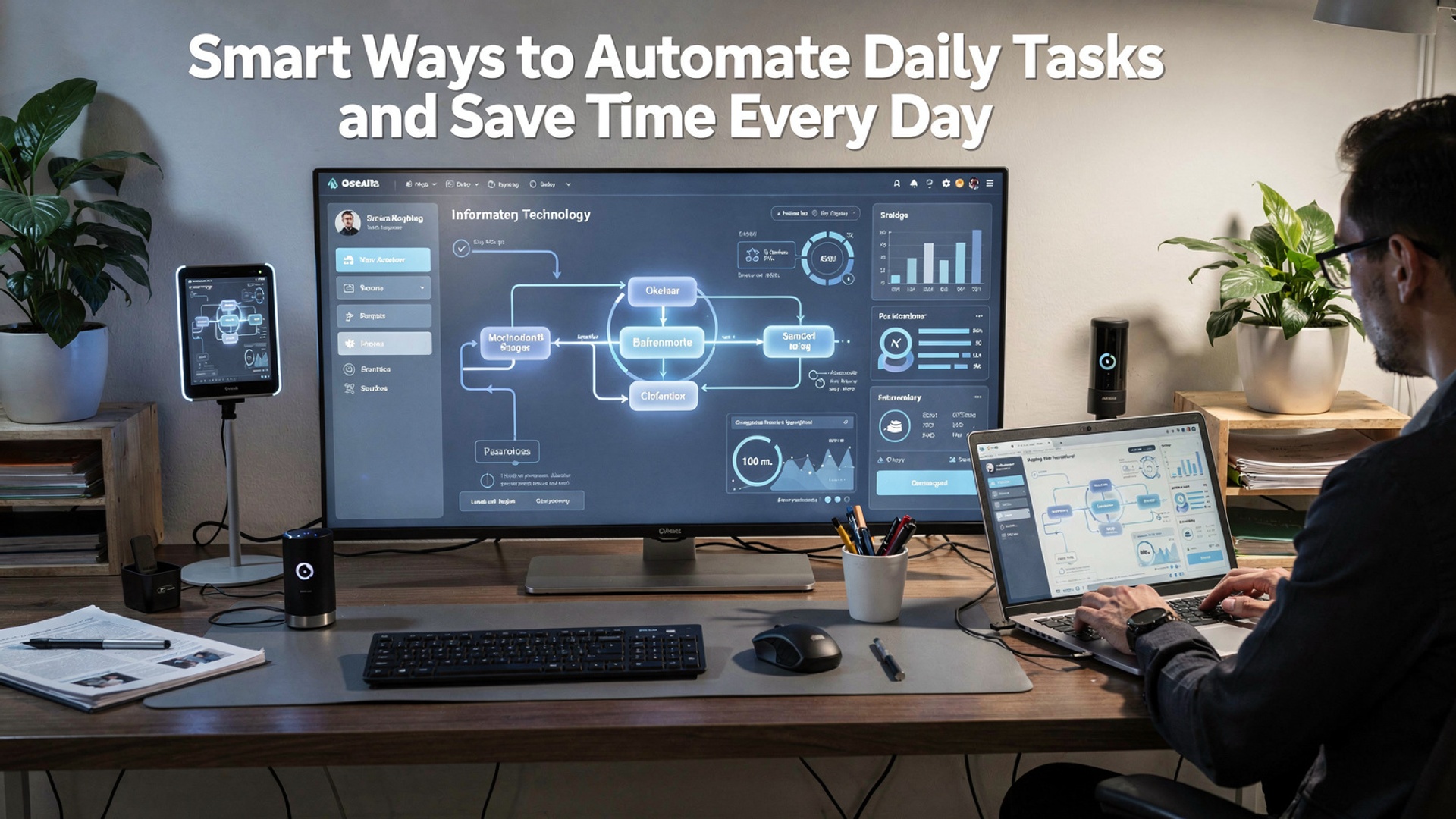
Automating daily tasks has shifted from niche productivity hacks to a core skill as AI-powered tools, no-code platforms. system-level automations mature. Email triage now uses large language models to prioritize and draft replies, calendar apps coordinate meetings automatically. tools like Zapier, Make. native OS automations connect apps without writing code. Recent advances in agentic AI enable workflows that react in real time—triggering invoices after payments, summarizing meetings instantly, or adjusting smart home routines based on behavior patterns. As APIs standardize and privacy-focused edge processing grows, automation becomes faster and more reliable while reducing manual effort. Learning to design these workflows turns scattered minutes into reclaimed hours and builds systems that work quietly efficient in the background.
Understanding Task Automation and Why It Matters
Task automation refers to the use of technology to perform routine, repetitive activities with minimal human intervention. In the context of personal and professional productivity, automating daily tasks involves configuring software, applications, or devices to handle actions such as scheduling, data entry, reminders, file organization. communication.
The importance of automation has been emphasized by institutions like McKinsey & Company, which notes that up to 60% of occupations have at least 30% of tasks that could be automated using existing technology. For individuals, this translates into tangible benefits such as time savings, reduced cognitive load. improved consistency in daily workflows.
- Reduces manual effort and repetitive work
- Minimizes human error in routine processes
- Frees time for higher-value or creative activities
- Improves reliability and task completion rates
Key Technologies Behind Automating Daily Tasks
Several core technologies enable task automation. Understanding these tools helps users make informed decisions about which solutions best fit their needs.
- Workflow Automation Platforms
- Artificial Intelligence (AI)
- Robotic Process Automation (RPA)
- Internet of Things (IoT)
Tools like Zapier and Make (formerly Integromat) connect different applications and trigger actions based on predefined rules.
AI-powered assistants such as Google Assistant or Microsoft Copilot can interpret natural language and automate scheduling, reminders. details retrieval.
Software bots replicate human actions like copying data between systems, commonly used in administrative and finance tasks.
Smart devices automate physical tasks, such as adjusting thermostats or turning off lights based on routines.
Comparing Popular Automation Tools for Everyday Use
| Tool | Primary Use | Best For | Learning Curve |
|---|---|---|---|
| Zapier | App-to-app automation | Beginners and professionals | Low |
| Make | Advanced workflow automation | Complex processes | Medium |
| IFTTT | Simple conditional automation | Personal and smart home use | Low |
| Microsoft Power Automate | Enterprise workflow automation | Office 365 users | Medium |
Practical Examples of Automating Daily Tasks
Real-world applications demonstrate how automation can be integrated into everyday life. For example, a marketing professional I worked with automated daily reporting by connecting Google Analytics to Google Sheets using Zapier. This eliminated manual data extraction and saved approximately 30 minutes each day.
- Automatically saving email attachments to cloud storage
- Scheduling social media posts across platforms
- Generating daily to-do lists from calendar events
- Backing up files at set intervals without user input
Automating Communication and Scheduling
Email and calendar management are among the most time-consuming daily activities. Automating daily tasks in this area can significantly improve efficiency.
- Use email filters and rules to sort messages automatically
- Set up calendar scheduling tools like Calendly to avoid back-and-forth emails
- Enable automatic follow-up emails for unanswered messages
According to Harvard Business Review, professionals spend an average of 28% of their workweek managing email. Automation directly addresses this productivity drain.
Using Automation for Personal Productivity and Habit Building
Automation is not limited to professional environments. Many individuals use it to reinforce positive habits and manage personal responsibilities.
- Automated bill payments to avoid late fees
- Daily reminders for exercise or study sessions
- Smart alarms that adjust based on traffic or weather
A university student I advised used task automation to sync assignment deadlines from their learning management system into a personal task manager, reducing missed deadlines during exam periods.
Basic Example of a Simple Automation Workflow
The following example demonstrates a basic automation concept using a webhook-based workflow:
Trigger: New form submission
Action 1: Save response to spreadsheet
Action 2: Send confirmation email
Action 3: Create task in task manager
This type of workflow is commonly implemented using no-code platforms and illustrates how multiple actions can be executed automatically from a single event.
Best Practices and Ethical Considerations
While automating daily tasks offers clear benefits, it is crucial to apply automation responsibly. Experts from the World Economic Forum emphasize transparency and data privacy when using automated systems.
- Regularly review automated processes for accuracy
- Avoid over-automation that removes necessary human judgment
- Ensure compliance with data protection regulations such as GDPR
Balanced implementation ensures automation remains a supportive tool rather than a source of risk or dependency.
Conclusion
Automation works best when it quietly supports your day instead of controlling it. When I first automated my inbox and calendar reminders, I didn’t feel faster immediately. within a week I noticed fewer mental interruptions and clearer focus. That’s the real win. Today’s tools, especially AI-powered automation in 2025, are smarter at learning habits, syncing across devices. reducing repetitive decisions, which makes small changes compound quickly. As you connect task managers with email, finance apps with alerts, or workflows inspired by ideas in How to Automate Daily Tasks to Save Time and Reduce Stress, the key is to start with one routine that drains energy daily and automate just that. Over time, these systems give you back hours you can reinvest in creative or meaningful work. Keep refining, stay curious about new tools. remember that saving time isn’t about doing more, it’s about living better with intention.
More Articles
How AI Automation Benefits Help Businesses Save Time Reduce Costs and Improve Accuracy
How AI Driven SEO Helps Small Businesses Rank Faster and Smarter
Simple On Page SEO Techniques That Improve Website Traffic and User Experience
Simple SaaS Product Optimization Tips to Improve User Retention and Revenue
Practical On Page SEO Techniques That Improve Website Visibility and User Experience

FAQs
What does it actually mean to automate daily tasks?
Automating daily tasks means using tools, apps, or simple systems to handle repetitive actions for you. Instead of doing the same thing manually every day—like organizing files or sending reminders—you let software do it automatically.
Which everyday tasks are the easiest to automate first?
Tasks that repeat on a schedule are the easiest to start with. Common examples include setting bill reminders, backing up files, organizing emails, managing calendar events, or creating to-do lists that reset daily.
Do I need technical skills or coding knowledge to automate things?
No, most modern automation tools are designed for non-technical users. Many rely on visual builders, simple settings, or ready-made templates, so you can automate tasks without writing any code.
How much time can automation really save each day?
It depends on your routine. even small automations can save 10–30 minutes daily. Over time, this adds up to hours each week that you can spend on more vital or enjoyable activities.
Can automation help with both work and personal life?
Yes, automation works well in both areas. At work, it can streamline reporting, scheduling. communication. In personal life, it can help manage finances, household tasks, fitness tracking. reminders.
Is there a risk of relying too much on automation?
Over-automation can make you less aware of details if you never review what’s happening. The key is to automate routine tasks while still checking results regularly to make sure everything runs correctly.
What’s a smart way to start automating without feeling overwhelmed?
Start with one small task that annoys you daily. Automate that first, get comfortable with the process. then slowly expand. Building automation step by step keeps it simple and sustainable.