In the rapidly evolving digital landscape, captivating visuals are non-negotiable for social media engagement. mastering AI image creation offers an unparalleled advantage. Imagine effortlessly generating bespoke, high-resolution graphics that perfectly match your brand’s aesthetic or campaign theme, sidestepping the limitations of stock photography and traditional design constraints.
Recent advancements in generative AI, from the photorealism of Midjourney v6 to the contextual understanding of DALL-E 3, empower creators to transform simple text prompts into stunning visual assets within seconds, a true revolution in content production.
This accessible power enables anyone to produce unique, attention-grabbing imagery, dramatically elevating their online presence and connecting with audiences on a deeper, more visually rich level.
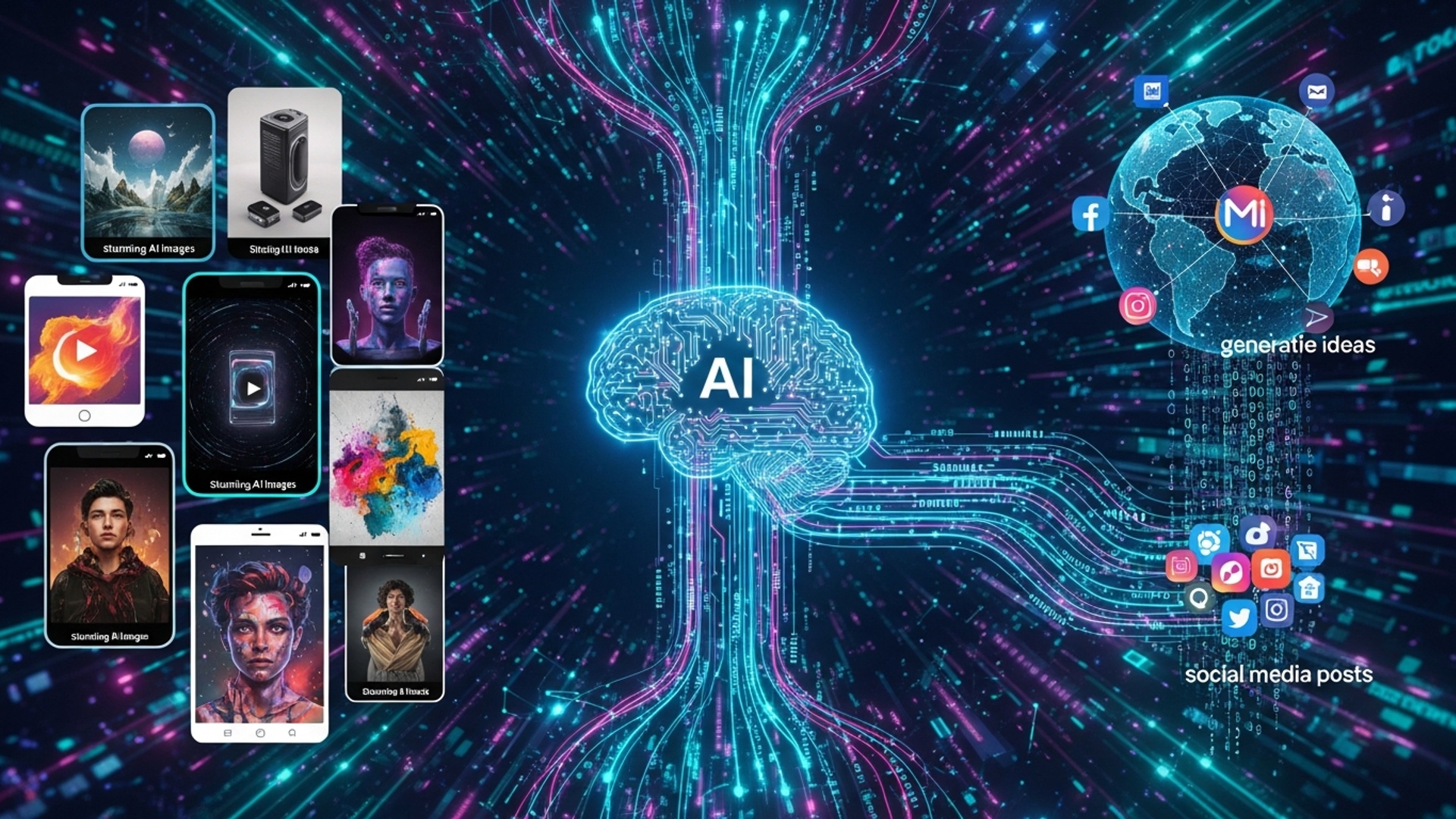
Understanding the Power of AI Image Generation for Social Media
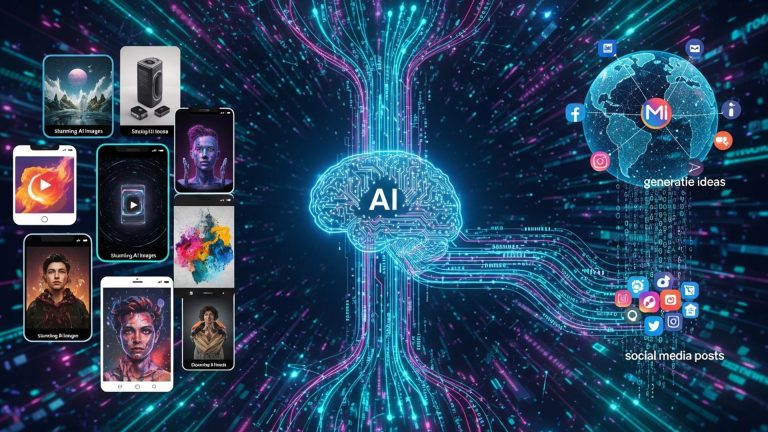
In today’s visually-driven digital landscape, captivating imagery is no longer a luxury but a necessity for effective social media engagement. The advent of artificial intelligence has revolutionized content creation, offering unprecedented capabilities for generating unique and stunning visuals.
At the heart of this revolution is AI image creation, a transformative technology that empowers individuals and businesses alike to produce high-quality, bespoke graphics without the need for extensive design skills or expensive stock photo subscriptions. This process leverages sophisticated algorithms to interpret text descriptions and synthesize entirely new images, opening up a world of creative possibilities for social media posts, advertisements, and brand storytelling.
As an expert in digital content, I’ve seen firsthand how integrating AI-generated visuals can dramatically boost engagement, making your profiles stand out in a crowded feed.
Key Concepts in AI Image Creation: From Prompts to Pixels
To effectively harness the power of generative AI for your social media content, it’s essential to grasp the fundamental concepts underpinning AI image generation. Understanding these components will enable you to move beyond basic outputs to truly stunning results.
Generative AI Models
These are the sophisticated neural networks trained on vast datasets of images and text. They learn patterns, styles, and objects, allowing them to generate new content. Popular models include Diffusion Models, which iteratively refine an image from noise based on a prompt.
Prompt Engineering
This is the art and science of crafting effective text inputs (prompts) to guide the AI model toward your desired output. It involves describing:
-
subjects
-
styles
-
lighting
-
composition
-
mood
A well-engineered prompt is the cornerstone of successful AI image creation.
Parameters and Settings
Beyond the prompt, most AI image generation tools offer parameters to fine-tune output:
-
Aspect Ratio
Defining the width-to-height ratio (e.g., 16:9 for widescreen, 1:1 for squares) -
Stylization / Chaos
Controlling how artistic or varied the outputs are -
Seed
A numerical value that can be reused to recreate a specific image or generate variations -
Negative Prompts
Text descriptions of what you explicitly don’t want in the image, helping avoid unwanted elements
Personal note: My personal journey with AI art began with simple prompts that often produced bizarre or abstract images. It was only through experimenting with parameters and prompt engineering that I unlocked consistent, intentional results.
Choosing Your AI Image Creation Tool: A Comparative Overview
The AI image generation ecosystem is rapidly evolving. Each platform offers different strengths, pricing models, and levels of control.
| Feature / Tool | Midjourney | DALL·E 3 (ChatGPT Plus / Copilot Pro) | Stable Diffusion |
|---|---|---|---|
| Ease of Use | Moderate (Discord-based) | High (conversational UI) | Varies |
| Output Quality | Exceptional artistic aesthetics | Excellent realism & text rendering | Very good, highly customizable |
| Pricing | Subscription-based | Included with subscription | Free (local) or paid (cloud) |
| Customization | Good | Limited | Superior |
| Strength for Social Media | Scroll-stopping visuals | Accurate products & realism | Brand consistency & control |
| Ideal User | Designers & marketers | Beginners & creators | Power users |
For most social media creators, Midjourney and DALL·E 3 are excellent entry points, while Stable Diffusion suits advanced users needing granular control.
Mastering Prompt Engineering for Stunning Visuals
The quality of AI-generated images is directly tied to prompt quality. Prompt engineering is about communicating your vision clearly.
Core Prompt Elements
-
Subject – “golden retriever puppy”
-
Action/Pose – “playing in a field”
-
Environment – “at sunset on a beach”
-
Style – “photorealistic,” “cinematic,” “anime”
-
Lighting – “golden hour,” “neon glow”
-
Composition – “close-up portrait,” “wide shot”
-
Mood – “serene,” “energetic”
-
Detail Enhancers – “8K,” “volumetric lighting”
Example Prompt (Midjourney)
Personal anecdote: Adding descriptors like “neo-noir architecture,” “holographic billboards,” and “rainy streets reflecting neon” transformed generic cityscapes into a cohesive visual series for a tech startup campaign.
Advanced Techniques for Enhancing AI-Generated Images
Once comfortable with prompts, advanced workflows unlock precision and consistency.
Image-to-Image Generation
Use an existing image as a base for composition or style reference.
Inpainting
Modify specific regions (e.g., fixing hands or accessories).
Outpainting
Expand images beyond their original boundaries.
ControlNet (Stable Diffusion)
Apply pose, depth, edge, or layout control for structural accuracy.
Upscaling and Post-Processing
Enhance resolution and polish visuals using built-in upscalers or tools like Photoshop or Canva.
Integrating AI Images into Your Social Media Strategy
Practical Applications
-
Custom post graphics and thumbnails
-
Brand-consistent visuals across platforms
-
Scroll-stopping engagement visuals
-
Rapid campaign ideation
-
Personalized ad creatives
Use Case
A small jewelry brand generated lifestyle visuals using AI instead of traditional photography, improving Instagram engagement while transparently labeling images as AI-generated.
Ethical Considerations
-
Promote diversity and inclusivity
-
Avoid biased prompts
-
Be transparent with audiences
Troubleshooting Common AI Image Challenges
Inconsistent Results
-
Add specificity
-
Use consistent seeds
Distorted Anatomy
-
Apply negative prompts
-
Use inpainting or ControlNet
Misinterpreted Prompts
-
Simplify language
-
Reorder prompt structure
Generic Outputs
-
Add artistic styles, lighting, angles, atmosphere
Copyright & Usage
-
Review platform terms
-
Attribute where appropriate
-
Verify commercial rights
Iteration is key. Each generation refines your understanding and control.
Conclusion
AI image generation fundamentally changes how social media visuals are created and scaled. Through precise prompting and refinement, creators become visual storytellers capable of producing immersive, scroll-stopping content quickly and consistently.
My personal tip: small modifiers like “cinematic lighting” or “dreamlike atmosphere” often elevate images dramatically. As hyper-realistic AI capabilities advance, the opportunity to create immersive brand visuals has never been greater.
This is not just efficiency.
This is creative leverage.
Experiment boldly and let your visuals speak louder than ever.
More Articles
How AI Transforms Ecommerce Visual Content for Better Customer Engagement
How AI Image Generation Boosts Your Ecommerce Product Photos
Elevate Your Product Catalog with AI Images for Better Engagement
Create Engaging Marketing Visuals U sing AI Tools for Better Campaigns

FAQs
Why bother with AI images for my social media posts?
AI images can totally transform your social media game! They grab attention, make your content unique. can save you a ton of time and money compared to traditional photography or graphic design. Plus, you can create virtually anything you imagine, which is a huge boost for engagement.
Do I need to be some kind of tech guru to make these amazing images?
Absolutely not! While some advanced tools exist, many platforms are super user-friendly and designed for creators, not coders. If you can type a sentence, you can start generating images. It’s more about your imagination and descriptive skills than your technical prowess.
Okay, so how do I actually make a stunning AI image?
It mostly comes down to crafting good ‘prompts’ – those are the text descriptions you give the AI. Be clear, descriptive. think about details like style, colors, lighting. composition. Don’t be afraid to experiment and refine your prompts based on what the AI gives you initially!
What’s the secret to getting truly stunning results instead of just generic ones?
Think like a director or an artist! Use specific adjectives, mention artists or art styles you like (e. g. , ‘Van Gogh style,’ ‘cyberpunk’), describe the mood, lighting (e. g. , ‘cinematic,’ ‘golden hour’). camera angles. Adding details like ‘high resolution’ or ‘detailed’ also helps. Iterating is key – generate a few, pick the best elements. refine your prompt from there.
Are there any specific tools I should check out to get started?
There are many great options! Popular ones include Midjourney, DALL-E 3 (often integrated into tools like ChatGPT Plus). Stable Diffusion (which has many variations). Many existing graphic design platforms are also integrating AI image generation directly, making them super accessible. Just pick one that feels right for you to start exploring.
Can I really use these AI images for my business or brand? What about copyright or usage rights?
Generally, yes, you can use them for commercial purposes. it’s super crucial to check the specific terms of service for the AI tool you’re using. Each platform has its own rules regarding ownership and commercial rights. these can change, so always double-check the latest guidelines to stay compliant.
My AI images sometimes look a bit off or weird. Any quick fixes for that?
That happens to everyone! First, try refining your prompt to be more precise about what you do want and what you don’t. Sometimes adding ‘negative prompts’ (e. g. , ‘–no blurry,’ ‘–no deformed hands’) helps guide the AI away from common glitches. Also, experiment with different aspect ratios or upscale options if available. Often, a slight tweak to your words can make a huge difference in quality.