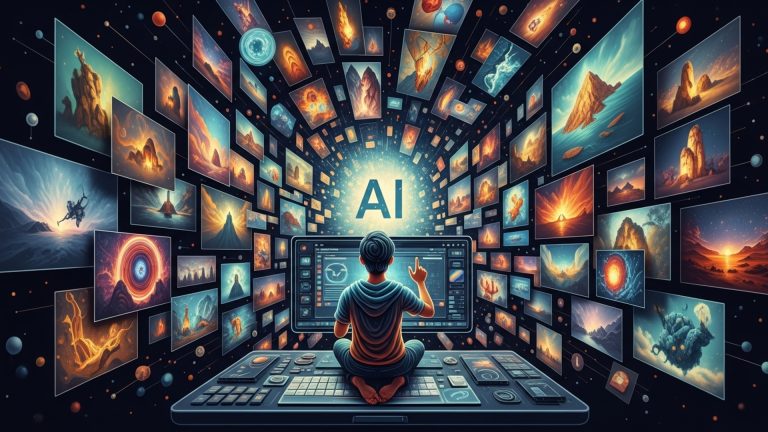
The landscape of digital art has been profoundly transformed by advanced AI image generation tools, enabling anyone to visualize concepts previously confined to imagination. Mastering effective prompt engineering for AI image generation is no longer a niche skill but a fundamental capability for creators across diverse industries.
From crafting photorealistic scenes with Midjourney V6 to generating intricate abstract designs using Stable Diffusion XL or DALL-E 3’s nuanced capabilities, the power to manifest stunning visuals is now at your fingertips.
Understanding the specific nuances of model capabilities, stylistic parameters. iterative refinement techniques can elevate basic text inputs into breathtaking, high-fidelity artwork.
This transformative technology democratizes artistic expression, making professional-grade visuals accessible to all without complex software or extensive traditional training.
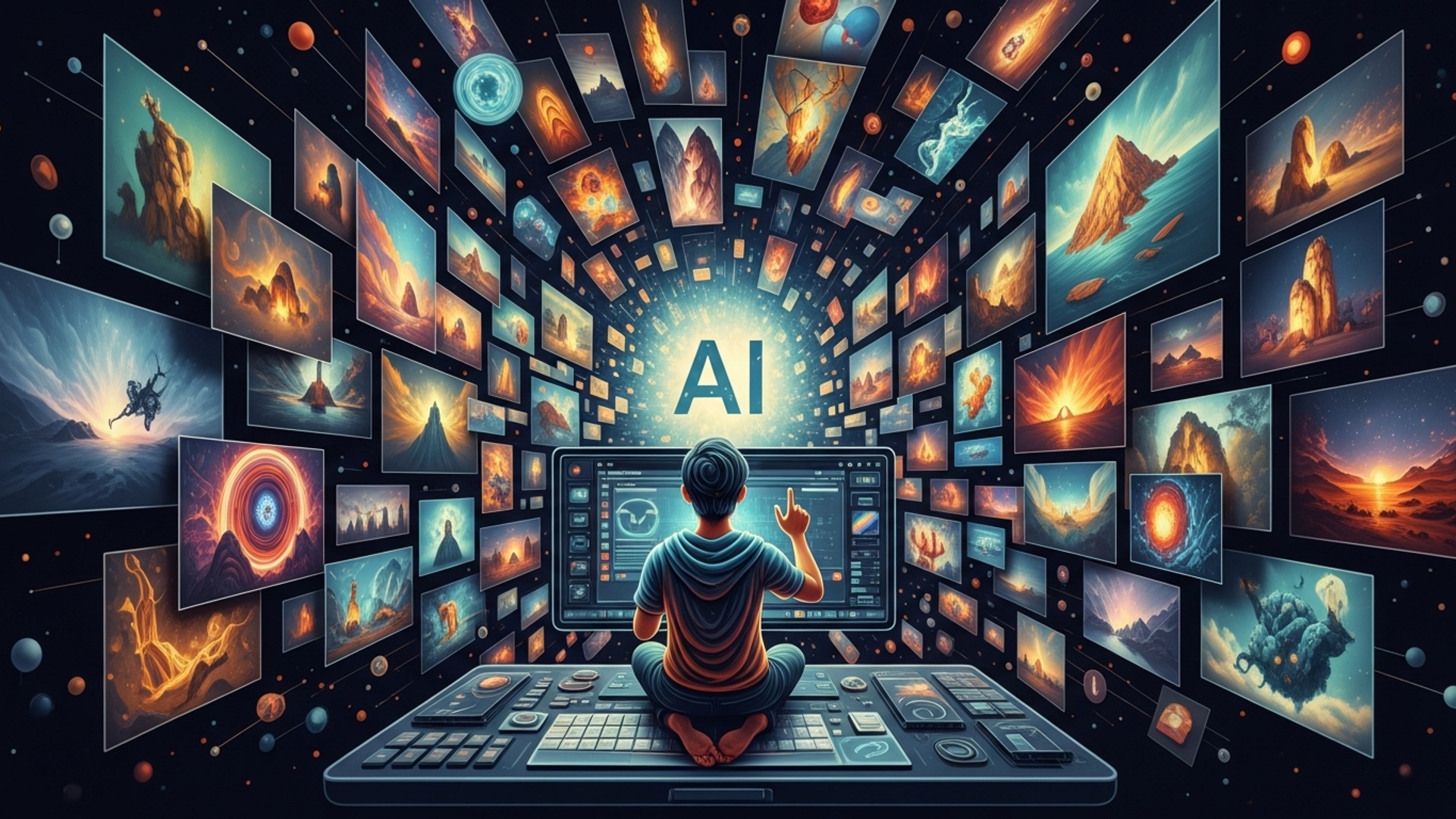
Understanding the Core of AI Image Creation
AI image creation has changed digital art forever. What once required advanced design skills and expensive software now takes a well-written prompt.
Modern AI image generators rely mainly on diffusion models. These models learn from millions of image-text pairs. They understand how words connect to visual elements.
When you enter a prompt, the AI does not search a database for a match. Instead, it creates a new image from scratch. It starts with random noise and gradually removes that noise. With each step, the image becomes clearer and closer to your description.
This process allows anyone to turn ideas into visuals without traditional artistic training.
How Diffusion Models Work
Diffusion models power most modern AI image tools.
Here’s a simplified breakdown:
-
The system begins with random visual noise.
-
It reads your text prompt.
-
It gradually removes noise while following your instructions.
-
The final result matches the described subject, mood, and style.
The model uses learned visual patterns to determine lighting, perspective, textures, and composition.
This “denoising” method produces high-detail and realistic results.
Prompt Engineering: Your Creative Control Panel
The most important part of AI image creation is the prompt. Your prompt tells the AI what to generate.
A weak prompt leads to generic results. A detailed prompt produces stronger images.
Think of prompt writing as giving directions to a designer.
Key Elements of a Strong Prompt
Subject
Define the main focus clearly.
Example: “a majestic lion”
Details
Add defining characteristics.
Example: “golden mane, glowing eyes”
Style
Specify the art style.
Example: “photorealistic, cyberpunk aesthetic”
Composition
Describe the framing.
Example: “close-up shot, low angle”
Lighting
Set the mood.
Example: “golden hour lighting”
Atmosphere
Define emotion.
Example: “serene, dramatic, mysterious”
Example Prompt
facing a vibrant swirling nebula,
helmet reflecting distant stars,
hyperrealistic photography,
cinematic lighting,
deep purples and blues,
8k resolution, sharp focus.
Actionable Tip
Start simple. Then add detail gradually. Observe how each added element changes the output.
Prompt building improves with experimentation.
Important Parameters in AI Image Generation
Beyond prompts, most AI tools allow fine control through technical parameters.
Guidance Scale (CFG)
Controls how closely the AI follows your prompt.
-
Higher values = stricter interpretation
-
Lower values = more creative freedom
Start around 7–10 for balanced results.
Seed
A numerical value that controls the starting noise pattern.
Using the same seed with identical settings produces the same image. This helps when refining details.
Aspect Ratio
Determines image shape.
-
1:1 for social posts
-
16:9 for landscape
-
9:16 for vertical content
Choose based on intended platform.
Negative Prompt
Specifies what to avoid.
Example:
Negative prompts improve image clarity and realism.
Sampler
Controls how the AI removes noise during generation.
Different samplers produce slightly different textures and details. Experiment to find your preferred look.
Popular AI Image Creation Tools
Different tools offer different strengths.
Midjourney
-
Strong artistic output
-
Known for painterly style
-
Community-based interface
Best for creative and abstract visuals.
DALL·E 3 (via ChatGPT)
-
Excellent natural language understanding
-
Accurate text rendering
-
Easy to use
Ideal for conceptual and commercial images.
Stable Diffusion
-
Open-source
-
Highly customizable
-
Advanced features like ControlNet and LoRAs
Best for advanced users and fine-tuned control.
Adobe Firefly
-
Integrated with Adobe Creative Cloud
-
Designed for commercial safety
-
Ideal for designers
Best for professional workflows.
Real-World Applications of AI Image Creation
AI image tools extend beyond artistic experimentation.
Marketing and Social Media
Create:
-
Ad visuals
-
Blog headers
-
Campaign graphics
Faster production reduces content costs.
Concept Art and Game Design
Artists can visualize characters and environments quickly. This speeds up pre-production.
E-Commerce
Generate:
-
Product mockups
-
Lifestyle scenes
-
Promotional banners
This reduces the need for costly photoshoots.
Architecture and Interior Design
Visualize layouts, materials, and lighting before construction begins.
Education and Publishing
Create custom visuals for books and presentations. Complex ideas become easier to explain visually.
Ethical Considerations in AI Image Creation
AI image generation introduces important ethical questions.
Bias in Datasets
AI models reflect biases present in training data. For example, prompts like “CEO” may produce limited demographic diversity.
Counteract bias by writing more inclusive prompts.
Copyright and Ownership
Legal standards around AI-generated art continue to evolve. Stay informed about usage rights and platform terms.
Deepfakes and Misinformation
AI can generate highly realistic fake content. Use responsibly and avoid deceptive applications.
Human Oversight
AI is a creative tool. Always review outputs carefully before publishing.
Advanced Techniques for Greater Control
For professionals, advanced features unlock deeper creative precision.
Inpainting
Edit specific areas of an image. Replace or refine selected sections without regenerating everything.
Outpainting
Extend an image beyond its borders. The AI fills new space intelligently.
ControlNet
Provides structural control using pose maps, edge detection, or depth maps.
Example (conceptual code):
const controlModel = “control_canny”;
const prompt = “Futuristic cityscape at night, neon reflections, cinematic lighting”;
generateImageWithControlNet(inputImage, controlModel, prompt, {
guidance_scale: 7,
aspect_ratio: “16:9”
});
LoRAs
Small add-on models that apply specific styles or character consistency. Useful for branding or repeated themes.
Image-to-Image Generation
Transform an existing image using a new prompt while preserving structure.
Conclusion
AI image creation makes visual storytelling accessible to everyone.
The key lies in:
-
Writing clear prompts
-
Experimenting with parameters
-
Refining results iteratively
AI does not replace creativity. It amplifies it.
Start with a simple idea. Add descriptive details. Adjust lighting and mood. Refine until it matches your vision.
The future of digital artistry belongs to creators who know how to guide the machine effectively.
More Articles
Create Stunning Product Images Effortlessly Using the Right AI Tool
How AI-Generated Marketing Images Transform Your Brand’s Online Presence Easily
How to Create Stunning Ecommerce Product Images with AI (Beginner to Pro Guide)
How to Transform Your Product Catalog with AI Generated Images
How AI Is Transforming Ecommerce Visual Content in 2025: 8 Powerful Ways to Boost Conversions

FAQs
What’s this ‘Unlock Creative Power’ all about?
It’s your straightforward guide to using artificial intelligence to create amazing images. We break down the process so you can easily generate stunning visuals, even if you’ve never touched an AI tool before.
Do I need to be an artist or super tech-savvy to generate AI images?
Absolutely not! That’s the beauty of it. This approach is designed for everyone. You don’t need any drawing skills, coding knowledge, or fancy software expertise. If you can type, you can create AI images.
How ‘effortlessly’ are we talking here? Is it really that easy?
Seriously easy! Once you grasp a few key concepts and learn how to write effective prompts, you’ll be creating incredible, custom images in minutes – sometimes even seconds. It really takes the heavy lifting out of creative production.
What kind of cool stuff can I actually make with this?
The possibilities are practically endless! You can generate unique artwork for social media, design characters for stories, visualize product ideas, create custom backgrounds, illustrate blog posts, or just make fantastic images purely for fun. If you can imagine it, you can probably make it.
Will I need to buy expensive software or tools to get started?
Not necessarily! Many powerful AI image generators offer free tiers or trials, so you can start experimenting and creating without spending a penny. For more advanced or high-volume use, there are often affordable subscription options available. you can definitely kick things off for free.
Will the images just look generic, or can I get truly unique results?
You can absolutely get truly original and unique results! The secret lies in learning how to craft your prompts effectively to guide the AI. This allows you to produce images that are far from generic and often surprisingly creative and distinctive.
How quickly can I expect to see results and start creating awesome images?
Pretty fast! With our simple approach, you can start generating your first AI images almost immediately. As you practice and get more comfortable with prompt writing, you’ll find yourself creating increasingly complex and amazing visuals in very little time.