Visual commerce has changed dramatically. Artificial intelligence now plays a central role in how brands create product images.
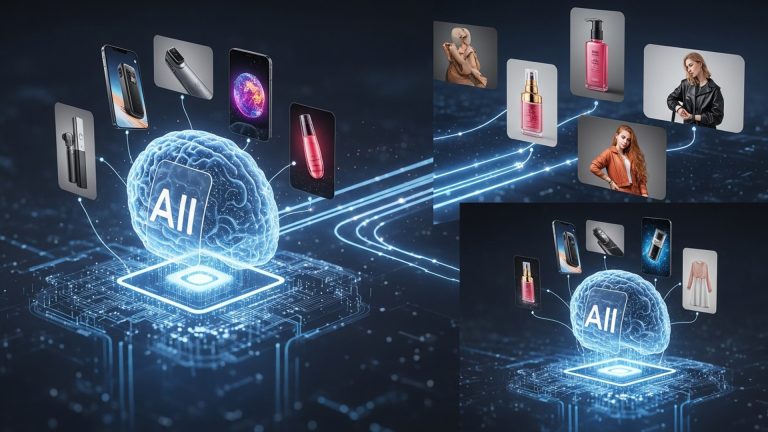
In the past, high-quality product photography required studios, professional photographers, and heavy editing. Today, a powerful ai product images tool allows businesses to generate professional visuals quickly and at low cost.
This shift is not only about saving money. It gives brands creative freedom and speed. Companies can test different styles, update seasonal campaigns, and localize visuals without reshooting products.
AI turns visual production into a flexible, scalable process.
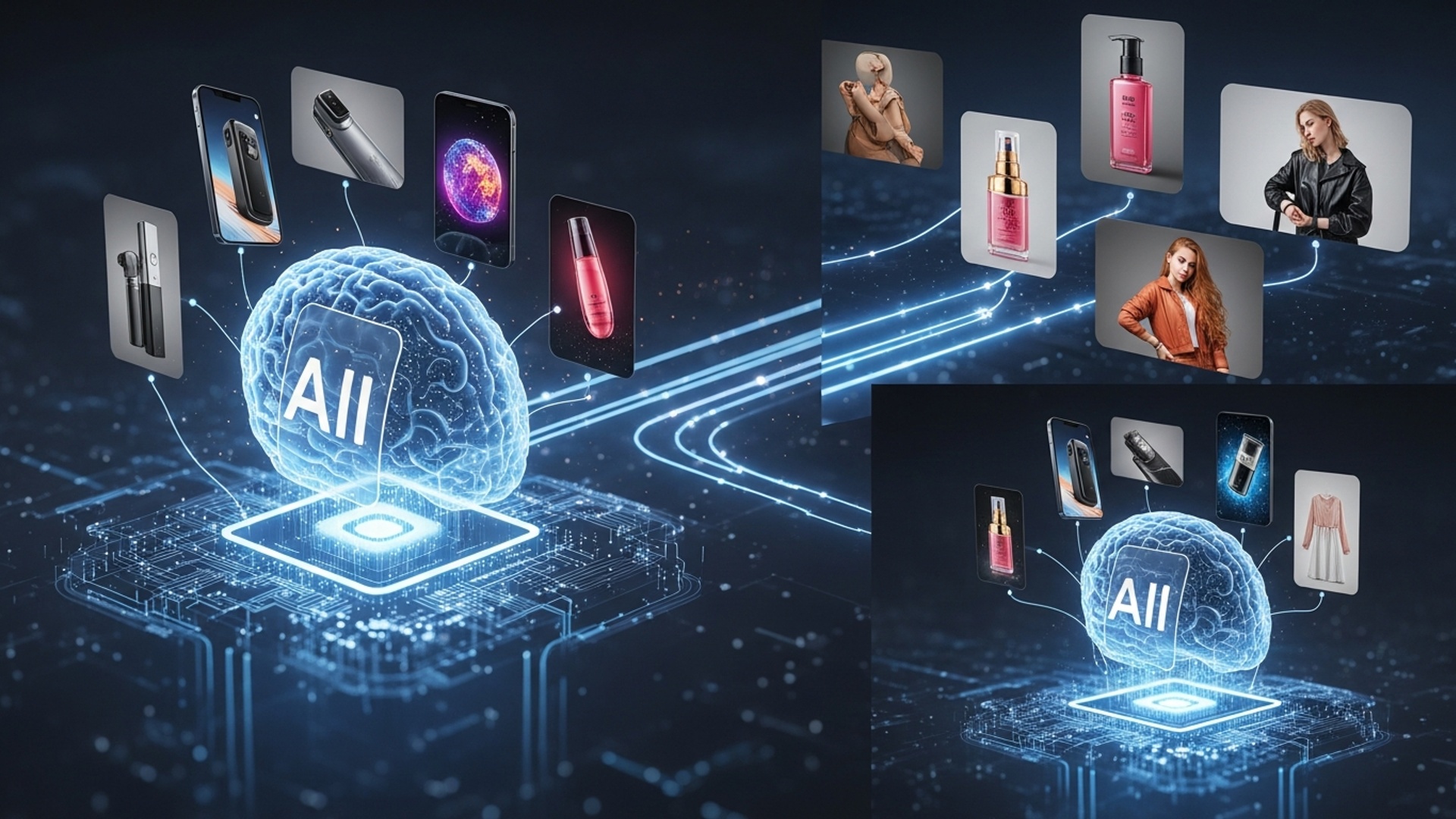
How AI Generates Product Images
Modern AI image tools rely on generative artificial intelligence. These systems create new visuals instead of analyzing existing ones.
Two core technologies power most platforms.
Generative Adversarial Networks (GANs)
GANs were early breakthroughs in AI image generation. They use two neural networks:
-
A generator that creates images
-
A discriminator that evaluates realism
The two systems compete. Over time, the generator produces increasingly realistic visuals.
Diffusion Models
Diffusion models now lead the industry.
They start with random noise. Then they gradually remove noise while following a text prompt. This process produces highly detailed and realistic images.
Diffusion models allow better lighting control, texture realism, and scene creation. That makes them ideal for product imagery.
The Role of Prompt Engineering
AI tools translate text instructions into images. This process is known as prompt engineering.
For example:
soft natural window light from the left,
subtle blurred background, professional studio shot.”
Clear prompts improve results. Specific instructions about lighting, mood, and environment help the AI generate accurate visuals.
Key Features to Look for in an AI Product Images Tool
Not all AI platforms offer the same capabilities. Choose a tool based on your business needs.
Background Removal and Replacement
The tool should isolate products cleanly. It must handle edges and fine details without distortion.
Contextual Scene Generation
Advanced tools generate full environments from text prompts. You can create:
-
Modern office settings
-
Outdoor scenes
-
Luxury interiors
-
Minimalist studio setups
This replaces expensive location shoots.
Lighting and Shadow Control
Realistic lighting increases credibility. Good tools allow:
-
Direction adjustment
-
Shadow refinement
-
Soft or dramatic lighting styles
Style Customization
You should control mood and aesthetic.
Examples:
-
Minimalist
-
Luxury
-
Rustic
-
Futuristic
Consistent style protects brand identity.
High-Resolution Output
Images must work for websites, ads, and print. Built-in upscaling ensures clarity without pixelation.
Batch Processing and API Access
Large catalogs require speed. Batch generation and API integration improve workflow efficiency.
Step-by-Step Guide to Creating AI Product Images
Using an ai product images tool is simple when you follow a structured process.
Step 1: Prepare a Clean Base Image
Start with a sharp, well-lit product photo. Neutral backgrounds work best.
Higher input quality produces better output.
Step 2: Choose the Right Tool
Select a platform based on your needs. Some tools focus on e-commerce templates. Others provide advanced creative control.
Step 3: Write a Detailed Prompt
Define:
Scene:
“A cozy coffee shop setting”
Lighting:
“Soft morning sunlight”
Mood:
“Warm and inviting”
Details:
“Shallow depth of field, subtle reflections”
Example:
surrounded by green botanicals,
soft diffused light, spa aesthetic, shallow depth of field.”
Step 4: Generate and Refine
Review multiple outputs. Adjust your prompt if needed.
You can use negative prompts like:
-
“No harsh shadows”
-
“Avoid clutter”
Iteration improves results.
Step 5: Enhance and Download
Many tools allow minor edits after generation. You can adjust colors, crop images, or upscale resolution.
Once finalized, deploy images across your store, ads, and social channels.
Real-World Business Applications
AI product imagery creates measurable impact.
E-commerce Brands
Retailers can test multiple product backgrounds for A/B campaigns. This increases conversion rates and reduces bounce rates.
Small Businesses
AI removes the need for studio photography.
For example, a handmade candle seller used AI-generated lifestyle backgrounds. Social engagement increased by 30%, and sales improved without hiring a photographer.
Marketing Agencies
Agencies can create mockups quickly. This speeds up client approvals and campaign launches.
Product Designers
Designers can visualize products before production. This accelerates decision-making and reduces development costs.
Comparing AI Product Image Tool Categories
AI platforms generally fall into three groups.
Dedicated Product Image Platforms
-
Optimized for e-commerce
-
Easy to use
-
Strong background replacement
-
Subscription pricing
Best for small to mid-sized businesses.
General-Purpose AI Tools
-
High creative flexibility
-
Advanced prompt control
-
Steeper learning curve
Best for designers and advanced users.
E-commerce Platform Integrations
-
Built directly into platforms
-
Quick background editing
-
Limited advanced controls
Best for store owners who want simplicity.
Choose based on workflow priorities.
Best Practices for AI Product Imagery
Use High-Quality Inputs
AI improves good images. It cannot fully fix poor ones.
Master Prompt Writing
Be specific. Mention materials, lighting, mood, and composition.
Iterate Often
Rarely does the first output succeed perfectly. Generate multiple versions and refine.
Maintain Brand Consistency
Keep lighting, tone, and color aligned across products.
Review Every Output
Always check for:
-
Distortions
-
Incorrect reflections
-
Unrealistic shadows
Human oversight ensures quality.
Future Trends in AI Product Photography
AI continues to evolve.
Upcoming developments include:
-
3D model generation from 2D images
-
AI-generated product videos
-
Real-time editing tools
-
Hyper-personalized product visuals
-
Increased realism indistinguishable from traditional photography
Brands that adopt early gain a strong competitive edge.
Conclusion
AI has transformed product photography. Businesses no longer depend on expensive studios or long production timelines.
The right ai product images tool enables fast, scalable, and creative visual content.
Start small. Upload a few products. Test different scenes and lighting styles. Experiment with prompts.
You will quickly see how AI reduces effort while increasing creative control.
In today’s digital marketplace, strong visuals drive conversions. AI helps your product listings stand out and stay competitive.
More Articles
Create Amazing Ecommerce Product Images with AI Generation Tools
Transform Your Ecommerce Visual Content Using AI for Higher Engagement
Transform Your Product Catalog with AI Generated Images for Stunning Visuals
Unlock E-commerce Growth Using AI for Stunning Social Media Creatives
AI Ecommerce Visual Content Strategy to Boost Engagement and Sales

FAQs
What exactly is an ‘AI tool for product images’?
It’s a smart software that uses artificial intelligence to help you create professional-looking product photos without needing a fancy studio or advanced editing skills. It can do things like remove backgrounds, generate new scenes, enhance quality. even create entirely new images based on your product.
How does AI make creating product images ‘effortless’?
The AI automates many tasks that usually take a lot of time. Instead of you manually cutting out products, adjusting lighting, or designing backgrounds, you just upload your product photo. the AI does all the heavy lifting. This dramatically speeds up the process from hours to just minutes.
Do I need to be a professional photographer or designer to use these tools?
Absolutely not! That’s one of the biggest perks. These tools are built to be super easy to use, often with very intuitive interfaces. You don’t need any special technical or design expertise; the AI handles all the complex stuff for you.
What kinds of product images can I create with AI?
You can create a huge variety! Think clean white background shots, lifestyle images complete with models or props, seasonal scenes, social media-ready graphics. even turn your 2D photos into something resembling 3D renders. The possibilities are quite broad, depending on the tool.
Can I really save time and money using an AI product image tool?
Definitely. By automating the image creation process, you save a ton of time that would otherwise be spent on photography, manual editing, or outsourcing the work. This directly translates into cost savings, making high-quality visuals accessible even for small businesses.
What should I look for when choosing the ‘right’ AI tool?
Look for key features like background removal, scene generation, image enhancement, how easy it is to use, the quality of its output. the range of styles it offers. A good tool will also provide customization options and fit well with your existing workflow. Don’t forget to check out customer support and pricing models too.
Can these AI tools work with photos I already have?
Yes, absolutely! Most AI product image tools are designed to work with your existing product photos. You simply upload your current images. the AI can then process them, remove backgrounds, place them into new scenes, or enhance their quality. It’s a fantastic way to repurpose and upgrade your current visual assets.