In the fiercely competitive D2C landscape, driving traffic directly to your brand’s AI-powered conversational bots and product pages is paramount. Optimizing your presence on Google’s search results is non-negotiable. a robust Google SERP preview tool offers the critical advantage you need. This powerful utility allows D2C marketers to meticulously visualize and refine how their titles, meta descriptions. rich snippets will appear to potential customers, ensuring every pixel aligns with brand messaging and conversion goals. Proactively adjusting your organic search appearance is essential for capturing attention amidst recent algorithm updates and competitor noise. It empowers you to maximize click-through rates to your bot-enabled landing pages, directly impacting the initial stage of your automated customer journey and ensuring a seamless transition from search to engagement.
Understanding the Power of Your Google Search Appearance
In the competitive world of Direct-to-Consumer ecommerce, every click matters. Often, your brand’s first interaction with a potential customer happens on Google’s Search Engine Results Page, not on your website.
Before a shopper engages with your D2C bots, explores your product pages, or experiences your personalized checkout, they see your search snippet. That snippet, consisting of your title, meta description, and URL, determines whether they click or scroll past.
Because of this, your organic click-through rate becomes a critical performance driver. A compelling search appearance does not just increase traffic. It increases qualified traffic.
This is where a Google SERP preview tool becomes essential.
What Is a Google SERP Preview Tool?
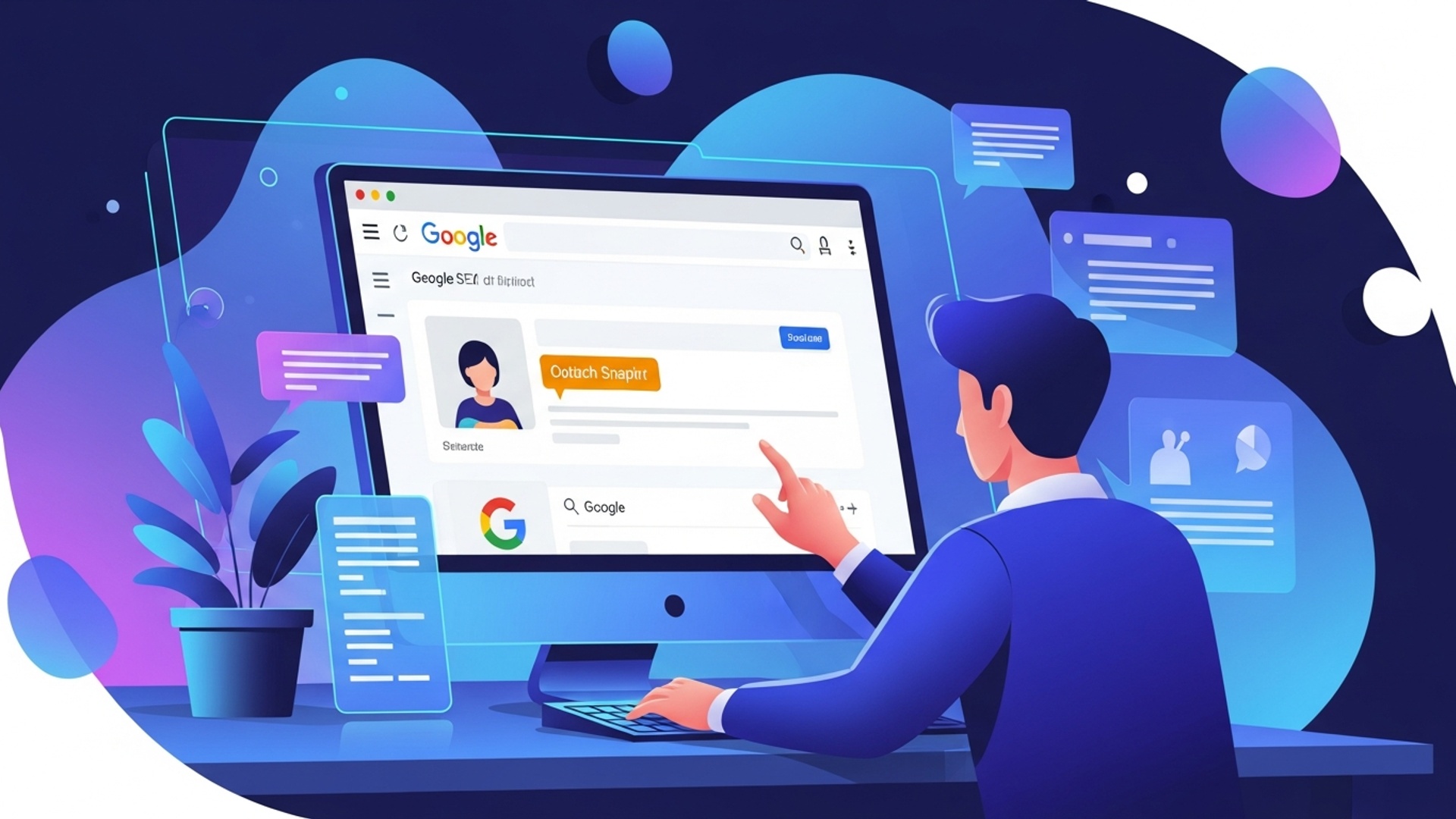
A Google SERP preview tool simulates how your page will appear in Google search results. By inputting your:
-
Title tag
-
Meta description
-
URL
the tool renders a real-time preview that reflects Google’s formatting, truncation behavior, and character limits.
For D2C brands, this tool serves more than a cosmetic function. It becomes a strategic asset.
Why D2C Brands Specifically Need It
1. Highlighting Bot Functionality
Many D2C brands differentiate themselves with AI-powered chatbots, personalization engines, or automated sizing tools.
If your bot is a competitive advantage, it must be visible in your search snippet.
For example:
-
“24/7 AI Chat Support”
-
“Instant Recommendations with Our Smart Bot”
-
“AI Stylist Included”
Without optimization, those features may never be seen.
2. Optimizing Product Pages for Conversion
Each D2C product page functions as a digital storefront. A SERP preview tool helps ensure your:
-
Product benefits
-
Pricing highlights
-
Shipping offers
-
Unique selling points
are not cut off due to truncation.
3. Preventing Truncation Issues
Google typically displays:
-
50 to 60 characters for titles
-
150 to 160 characters for meta descriptions
If key phrases like “Free Shipping” or “Chat with Our Bot” get cut off, conversion potential drops.
A preview tool visually prevents this problem before publication.
4. Strengthening Brand Consistency
Because D2C brands rely on direct trust and brand identity, your snippet must reflect your voice and positioning clearly.
Consistency builds credibility before the first click.
Key Elements to Optimize
Understanding snippet components is critical.
Title Tag
The title tag is the clickable headline in search results.
Best practices:
-
Include primary keyword naturally
-
Place keyword near the beginning
-
Add brand name at the end
-
Keep within visible length
-
Make it compelling and benefit-focused
Example:
For a sneaker brand using a customization bot:
Meta Description
Although not a ranking factor, the meta description directly impacts click-through rate.
Best practices:
-
Keep within visible length
-
Use persuasive language
-
Include clear call to action
-
Mention D2C advantages
-
Highlight bot functionality
Example:
URL Slug
URLs should be:
-
Clean
-
Descriptive
-
Keyword-rich
-
Easy to read
Good example:
Avoid parameter-heavy URLs like:
Structured Data for Rich Results
Structured data increases snippet visibility through:
-
Star ratings
-
Price displays
-
Availability
-
FAQs
For D2C brands, Product and FAQ schema are particularly valuable.
Example:
{
“@context”: “https://schema.org/”,
“@type”: “Product”,
“name”: “AI-Powered Smart Home Hub”,
“aggregateRating”: {
“@type”: “AggregateRating”,
“ratingValue”: “4.8”,
“reviewCount”: “250”
},
“offers”: {
“@type”: “Offer”,
“price”: “199.99”,
“priceCurrency”: “USD”,
“availability”: “https://schema.org/InStock”
}
}
</script>
Rich snippets significantly improve visibility and trust.
Unoptimized vs Optimized Example
| Element | Unoptimized | Optimized |
|---|---|---|
| Title | Product Page – My Store | Sustainable Coffee Pods | Eco-Friendly | BeanBot |
| Description | Check out our products. | Fresh direct-trade coffee. Our AI bot helps you find your perfect blend. |
| URL | /p/id12345 | /coffee-pods/sustainable-blends |
| Rich Results | None | ★★★★☆ 4.5 (120 reviews) |
Optimized snippets clearly communicate value and differentiation.
Step-by-Step Guide to Using a SERP Preview Tool
Step 1: Select Your Tool
Choose from:
-
Semrush
-
Ahrefs
-
Moz
-
Yoast SEO
-
Standalone SERP simulators
Ensure mobile and desktop preview capability.
Step 2: Input Your Data
Enter:
-
Title
-
Meta description
-
URL
Observe truncation and formatting instantly.
Step 3: Refine and Iterate
Ask yourself:
-
Is the core benefit visible?
-
Is the CTA compelling?
-
Is the brand voice clear?
-
Does mobile display cut key phrases?
Revise multiple times.
Step 4: Emphasize D2C Advantages
When optimizing for D2C, include:
-
Direct-from-manufacturer messaging
-
Exclusive product mentions
-
Bot capabilities
-
Personalized services
-
Free shipping or return benefits
Example:
“Discover custom skincare routines. Our AI bot analyzes your skin for tailored recommendations. Shop clean beauty direct.”
Step 5: Implement and Monitor
After updating your tags:
-
Track CTR in Google Search Console
-
Compare before and after performance
-
Adjust if needed
Optimization is ongoing.
Advanced Strategies for D2C Brands
Competitor Snippet Analysis
Examine competitor snippets to identify gaps. If competitors do not highlight personalization or automation, emphasize those features aggressively.
Iterative Testing
Although Google does not offer direct snippet A/B testing, you can:
-
Run version A for several weeks
-
Measure CTR
-
Replace with version B
-
Compare results
Data should guide refinements.
Localized Snippets
If your D2C brand has regional relevance, include local keywords strategically.
Example:
“AI Skincare Consultation NYC”
Rich Snippet Expansion
Implement FAQ schema to answer:
-
How does the sizing bot work?
-
Is chat support available 24 hours?
Expanded snippets occupy more screen space and increase authority.
Common Pitfalls to Avoid
Keyword Stuffing
Overloading keywords reduces readability and credibility.
Ignoring Mobile Preview
Most D2C customers browse on mobile. Always prioritize mobile display.
Generic Messaging
Avoid vague phrases such as “Welcome to our store.” Focus on clear value and differentiation.
Failing to Update Snippets
When launching new campaigns, products, or bot features, update your snippets accordingly.
Misleading Information
Ensure your snippet accurately reflects page content. Misalignment increases bounce rate and harms SEO performance.
Conclusion
A Google SERP preview tool is not simply a formatting aid. It is a strategic optimization resource that allows D2C brands to control their first impression in search results.
By refining titles, descriptions, structured data, and messaging before publication, brands increase click-through rates, improve organic traffic quality, and highlight unique bot-powered experiences immediately.
In competitive ecommerce environments, that first impression determines whether your customer enters your ecosystem or chooses a competitor.
Optimized snippets turn visibility into measurable growth.
More Articles
How to Effectively Optimize Your Website for Better Search Engine Rankings
How an Ecommerce FAQ Schema Generator Can Boost Your Search Ranking
Boost Your Website Authority How Expertise Experience Trustworthiness Attracts Google
How to Optimize SERP Features for Top Google Rankings
Write Perfect Shopify Product Titles to Attract More Customers

FAQs
What exactly is a Google SERP Preview Tool?
It’s a handy online tool that lets you see how your webpage title, description. URL will likely appear in Google’s search results before you even publish them. Think of it as a virtual mock-up of your search listing.
How does using this tool make optimizing my search appearance easier?
Instead of guessing or waiting for Google to index your changes, you can instantly visualize how different titles and descriptions look. This helps you craft compelling snippets that fit within character limits and entice users to click, all without trial and error on your live site.
Do I need to be a tech wizard to use one of these tools?
Not at all! Most SERP preview tools are super user-friendly. You just type in your proposed title, description. URL. the tool shows you the preview. No coding or complex setup required.
What specific elements of my search listing can I preview?
You can typically preview your page title (the blue clickable link), your meta description (the short summary text below the title). your URL (the web address). Some advanced tools might even show you rich snippets or other elements if applicable.
Why is it so vital to optimize my search appearance anyway?
Your search listing is often the first impression potential visitors have of your content. A well-optimized, attractive listing can significantly improve your click-through rate (CTR) from search results, driving more organic traffic to your site.
Can this tool help me avoid common SEO mistakes?
Absolutely! It immediately flags if your title or description is too long and gets cut off by Google, or if it’s too short and doesn’t convey enough data. This helps you create perfectly sized and effective snippets, avoiding common character limit issues.
Will using this guarantee a higher ranking on Google?
While an optimized search appearance can definitely improve your click-through rate, which Google considers a ranking signal, the tool itself doesn’t directly influence your ranking. It helps you make your existing ranking work harder by making your listing more appealing. Ranking depends on many other factors like content quality, backlinks. technical SEO.